
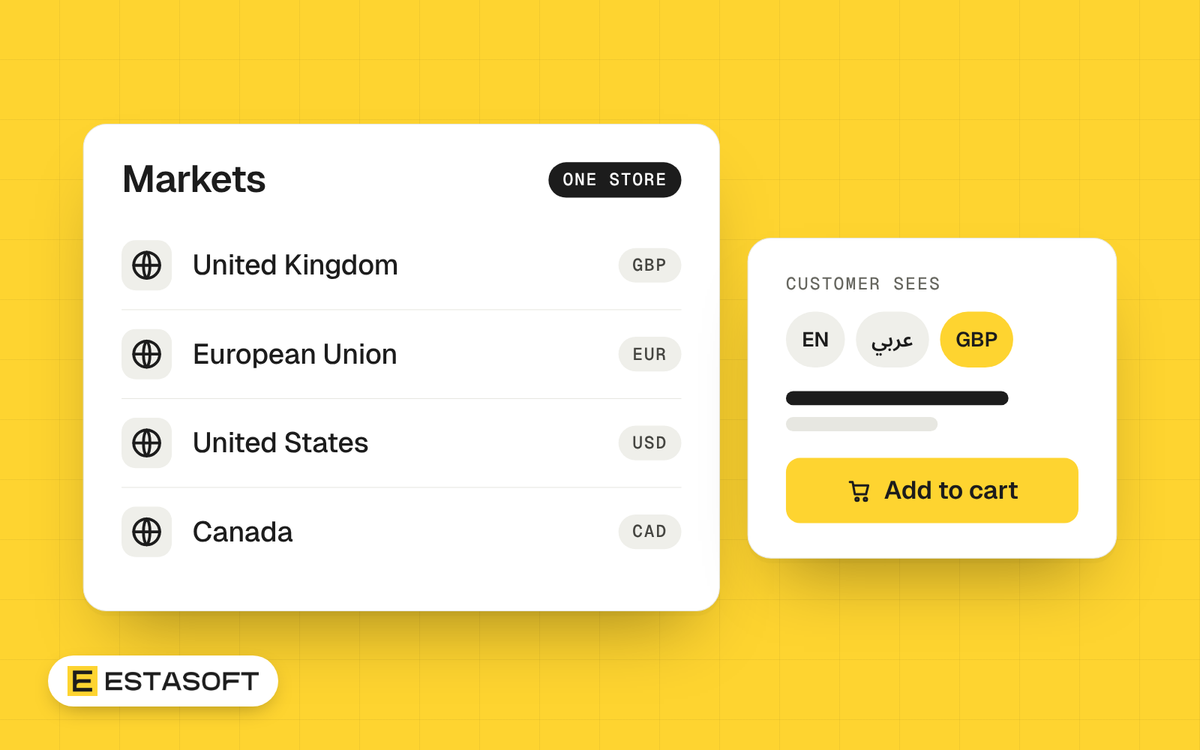
Many brands start in one country and then get orders from others. Shopify Markets is the part of Shopify that lets one store serve customers in several countries, each with its own currency, language, prices and duty settings. This guide explains what it can do, what it leaves to you, and a simple plan for adding a second market without making a mess. It is written for brand owners and company owners in the Middle East, the UK, Europe, the US and Canada.
What a market is
Shopify's help pages describe a market as a set of customers, for example the customers in a region. When someone visits your store, Shopify works out which market they belong to and shows them what you set for it. If a visitor matches none of your active markets, they see your backup region, which Shopify sets to your store's home country when you create the store.
What you can change for each market
- Address and language. Domains or subfolders, and the languages shown.
- Currency. Prices can show in the local currency with automatic exchange rates.
- Products and prices. Catalogs control which products are available in a market and at what price.
- Theme. A market can have its own theme customizations.
- Tax and duties. Tax-inclusive pricing and the collection of duties on international orders can be set for each market.
Shopify also has other market types: B2B markets for company customers, retail markets for your shops, and channel markets for sales channels. This guide is about cross-border markets, which are the ones for selling to customers in other countries.
A six-step plan for your second market
1. Choose the market from evidence
Look at where your visitors and orders already come from, and at the countries where people write to you. One country with real demand is a better start than five countries that look good on paper.
2. Decide the language and the web address
If the new market reads another language, give that language its own address so search engines can show the right version. Shopify creates the language signals automatically and recommends subfolders on your main domain for most stores. If the language is Arabic, plan the layout first: read Arabic and English on one store and Arabic SEO basics.
3. Decide the currency and the price rules
Showing prices in the customer's currency builds trust. Decide whether to let exchange rates move the price or to set fixed prices for the market, and keep the rule simple enough to explain. Also decide whether prices include tax. Shoppers in the UK and Europe usually expect to see prices with VAT included, and in the US and Canada tax is usually added at checkout.
4. Settle delivery and duties
Write the delivery promise and the delivery cost for the new country, and decide who pays duty and import tax. Shopify has a service called Managed Markets that handles this for eligible stores, but its help page lists only businesses based in the continental United States and certain stores in Canada and the UK. If your business is elsewhere, you handle duty and tax yourself. We explain how in Selling from the Middle East to the UK, Europe, the US and Canada.
5. Check payments
Customers expect to pay the way they pay at home. Shopify Payments depends on where your business is based, so check the list of supported countries before you plan. Other providers may add a third-party transaction fee. See Taking online payments in Iraq and Kurdistan for the local options.
6. Test as a customer there
Ask someone in the new country to place a real order. Check the language, the price, the currency, the checkout, the confirmation email, the delivery promise and what happens at the door. Fix what you find before you advertise.
What stays your job
- Content in every language: every new product and offer needs a version for each one, and someone must own that work.
- Customer support in the hours and languages your customers expect.
- Returns, with clear rules about who pays for shipping back.
- Privacy and cookie rules for each market. See Privacy and cookies for a Shopify store.
- A short list of markets. Add one at a time, and run it well before you add the next.
Questions store owners ask
Do I need a separate store for each country?
Usually not. Markets lets one store serve several countries, with one admin, one set of products and one team. Separate stores are a choice for special cases, such as separate companies or separate stock.
Can I show different prices in different markets?
Yes. Catalogs let you set which products and prices each market sees.
What happens to a visitor from a country I have no market for?
They see your backup region, which is your store's home country unless you change it.
Need a hand?
We build Shopify and eCommerce stores for clients in Kurdistan, Iraq, the UAE and the UK. If you plan to sell in more than one country, read about our Shopify solutions or send a short brief on the contact page.