
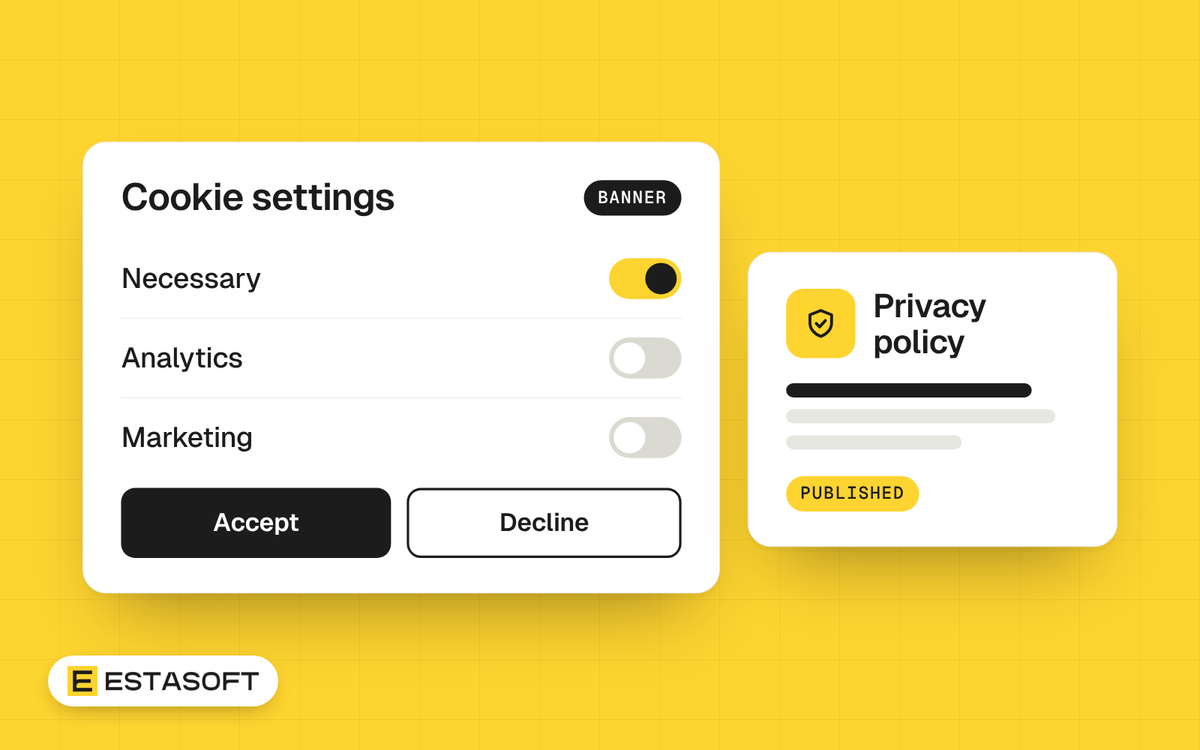
A store collects personal data from the first visit: cookies, order details, email addresses, ad pixels. If you sell to customers in the UK, Europe, the US or Canada, each place has its own privacy rules, and your store must handle consent and policies correctly. This guide shows what Shopify gives you, what is still your job, and what to ask a lawyer. It is general information, not legal advice.
Where the settings are
In your Shopify admin, open Settings, then Customer privacy. According to Shopify's help page, the page has three parts: the privacy policy, the cookie banner and the data sharing opt-out page. Shopify says that automated privacy settings are active by default when you set up a new store, and that existing stores can turn them on.
The cookie banner
- The banner tells visitors about cookies and asks for consent. You can use the automated settings or change the banner yourself.
- It applies to the regions you choose. Shopify states that the banner is not active by default outside the UK, the European Economic Area and the other regions you configure, and you can switch it on in any region.
- Visitors can change their choice later through the banner or the footer menu. If your theme has a cookie settings link, keep it.
- The banner covers Shopify's own tools. Third-party cookies or pixels may need a cookie banner app or custom code. If you use a third-party banner, connect it to Shopify's customer privacy settings.
Where a banner is active, data is collected from visitors in that region only after they agree. Shopify warns that your analytics may therefore show fewer sessions and a lower conversion rate than before. That is normal, and you should not compare the numbers with last year without knowing it.
The data sharing opt-out page
This is a page in your store where visitors can opt out of the sale or sharing of their personal data and of targeted advertising. Shopify says it needs a published privacy policy first. When a visitor's browser sends the Global Privacy Control signal, Shopify applies the opt-out for visitors in the regions where you use the page. It matters most for customers in US states that give residents this right.
The privacy policy
Publish a privacy policy that matches what your store really does. List what you collect, why, who receives it, how long you keep it and how a customer can ask to see or delete their data. Update it when you add an app or an ad pixel. Link it in the footer and at checkout. A copied policy that describes another business is worse than a short true one. Ours is on our privacy policy and cookie policy pages.
The rules by region
These are the main laws store owners hear about. Whether they apply to you depends on where your customers are and on your size, so confirm with a lawyer.
- European Union: the General Data Protection Regulation (GDPR) and the ePrivacy rules on cookies. Cookies that are not strictly necessary normally need consent before they are set.
- United Kingdom: UK GDPR, the Data Protection Act 2018 and the Privacy and Electronic Communications Regulations (PECR). The ideas are close to the EU rules, but they are separate laws.
- United States: there is no single federal privacy law for stores. Several states have their own, such as the California Consumer Privacy Act. These laws often focus on telling people what you collect and letting them opt out of sale or sharing.
- Canada: the federal Personal Information Protection and Electronic Documents Act (PIPEDA), plus provincial laws such as Quebec's privacy rules. Canada's anti-spam law (CASL) adds consent rules for marketing email and texts.
- Middle East: some countries in the Gulf have personal data laws of their own. If you hold data of customers there, ask a local lawyer.
A launch checklist
- Turn on automated privacy settings and check which regions have the banner.
- Write and publish the privacy policy, then set up the opt-out page if you sell to US customers.
- List every app, pixel and tracking script. For each one, find out what it collects and whether it respects the banner.
- Test the banner in a private browser window from the regions you sell to, on a phone and a computer.
- Check that nothing sets marketing cookies before consent where consent is required.
- Check how your marketing sign-up forms ask for consent, and keep a record of it.
- Add the policy links to the footer and the checkout.
- Repeat the checks every time you add an app or a new market.
Questions to take to your lawyer
- Which privacy laws apply to my store, based on where my customers live?
- Which regions should have the cookie banner switched on?
- Do I need a data processing agreement with my apps and service providers?
- Do I need a representative in the UK or EU, and do I need to register anywhere?
- How long may I keep customer data, and how do I answer a deletion request?
- What must my marketing emails and texts say and record?
Questions store owners ask
Does Shopify make my store compliant?
No. Shopify says its automated settings are not a substitute for legal advice. You are responsible for an accurate policy and for following the laws that apply to you.
Do I need a cookie banner if I sell only in the Middle East?
The banner is not on by default outside the UK, the EEA and the regions you configure. If you also sell to visitors in Europe or the UK, the rules for those visitors still apply. See our guide to selling from the Middle East to the UK, Europe, the US and Canada.
Will the banner hurt my sales?
It can reduce the data you collect, because some visitors say no. It does not stop them from buying. Measure orders in Shopify, not only the sessions in your analytics.
Related reading
Set up several countries in Shopify Markets, and read about the European Accessibility Act for online stores.
Need a hand?
We can check the apps and scripts on your store and set up the privacy pages in the theme. Ask for a free store review or write to us on the contact page.