
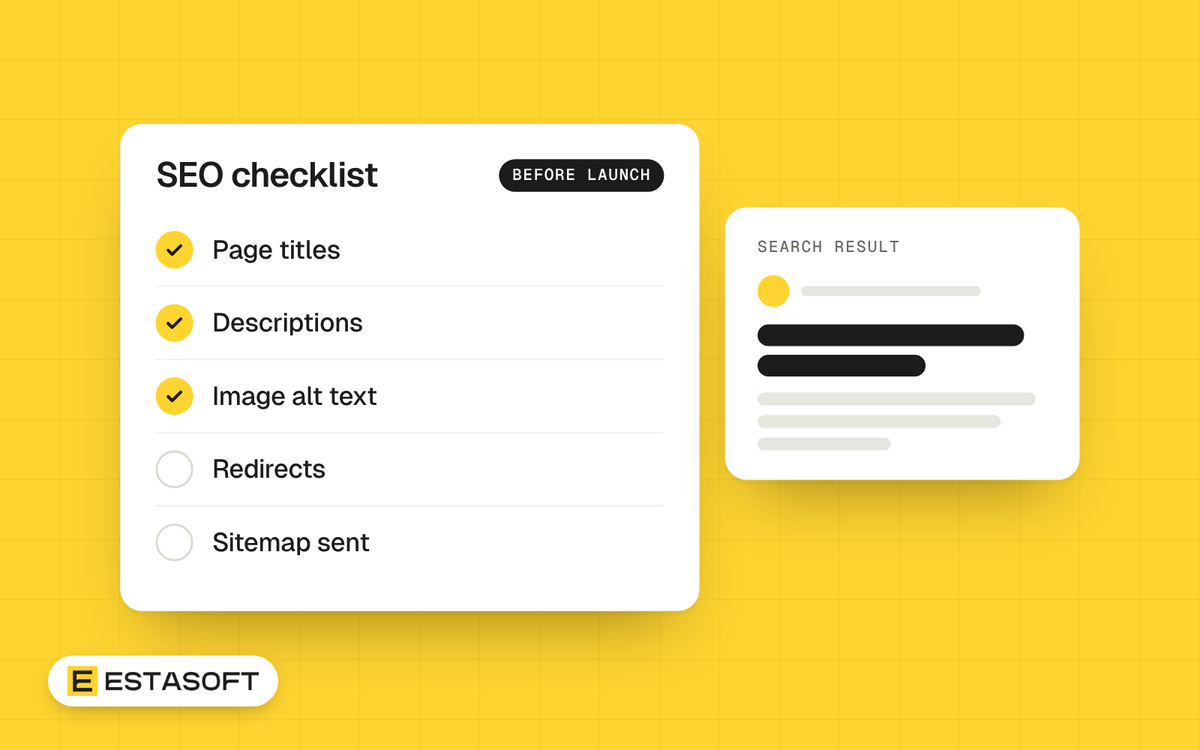
Shopify takes care of several technical parts of search engine optimization for you. The parts that decide whether people find your store, such as the words on your pages and how they are organized, are still your job. This checklist covers both, in the order that is easiest to follow before a launch. It is written for brand owners and company owners in the Middle East, the UK, Europe, the US and Canada.
What Shopify already does
According to Shopify's SEO help page:
- Canonical tags are added to pages automatically, to prevent duplicate content from appearing in search results.
- Your sitemap.xml and robots.txt files are generated automatically.
- Themes include schema markup for products, which enables rich snippets in search results.
- SSL certificates are activated by default.
Mobile layout is not on that list. Check it yourself on a real phone.
The checklist
1. Write down the words customers type
For each category and product group, list the words and questions your customers use, and choose one main idea per page. If your customers search in Arabic, do the research in Arabic with a native speaker. See Arabic SEO basics.
2. Give every important page a unique title
Put the main words first and keep titles short. Shopify's help page advises keeping title tags under 60 characters. You can edit the home page title in Online Store, Preferences, and the title of a product, collection or article in the search engine listing section of that page.
3. Write a description for people
The meta description is the short text under the title in search results. You can edit it in the same place as the title. Write one sentence that says what the page offers. Google may show different text from the page, so do not rely on it, but a good description often helps.
4. Treat collections as your category pages
People often search for a type of product, not a brand name. Give each collection a clear name, a short introduction in plain words, and a place in the menu. A collection with only a title and a grid of products is thin.
5. Write your own product pages
Do not paste the supplier's text, because other stores use the same words. Describe what the product is, who it suits, the sizes or materials, delivery and returns. Add alt text to every image, which you can do in the media library, so that people using screen readers and search engines understand the picture.
6. Keep web addresses short and clear
Shopify builds the address from the title. Check it before you publish, and use short words with hyphens. If you change an address later, or remove a product, set up a 301 redirect so old links still work.
7. Link your pages together
Link from the menu to your main collections. Link from articles to the products and pages they mention. Good internal links help visitors and search engines move through the store.
8. Add the pages customers look for
Create About, Contact, Delivery, Returns and Privacy pages, and write articles that answer the questions customers ask before they buy. Keep the facts accurate and the date visible on guides that change.
9. Make the store fast on a phone
Speed is part of a good experience. Read Core Web Vitals for Shopify stores and Five quick checks for a faster Shopify store.
10. Check the structured data
Product, article and FAQ markup helps search engines understand your pages. Test the markup in a rich results tool after every theme change, as we explain in Technical SEO basics for a Shopify store.
11. Set up languages and countries properly
Each language needs its own address, and each country needs the right currency and delivery information. See Shopify Markets and Arabic and English on one store.
12. Connect Google Search Console
Verify your domain in Google Search Console and submit your sitemap, which Shopify keeps at /sitemap.xml. Then you can see which searches show your pages, which pages have problems and how your pages perform on speed. Remove the store password only when you are ready to launch, because a password page keeps visitors and search engines out.
After launch: a monthly routine
- Open Search Console and look at the searches that show your pages. Rewrite titles for pages that are seen often but clicked rarely.
- Fix pages that return errors, and add redirects where a product has moved or ended.
- Add or improve one guide, collection text or product page each month.
- Check speed on your main pages after every theme or app change.
Mistakes to avoid
- Launching with test content or an active password page.
- Using supplier descriptions word for word.
- Deleting products or changing web addresses without a redirect.
- Repeating a keyword in every sentence. Write for a person first.
- Changing the robots.txt rules without knowing the effect.
Questions store owners ask
How long does SEO take?
It varies. Search results take time to move, and no one can promise a position. What you control is the quality of the pages and the technical setup.
Is Shopify good for SEO?
Shopify covers the technical basics. Your rankings still depend on your content, your pages and the sites that link to you.
Do I need an SEO app?
Not to start. Shopify's own settings cover titles, descriptions, alt text and redirects. An app can help with editing many pages at once, but check what it does to your store's speed.
Need a hand?
We build Shopify and eCommerce stores for clients in Kurdistan, Iraq, the UAE and the UK. Read about our SEO and growth service, ask for a free store review, or send a short brief on the contact page.