
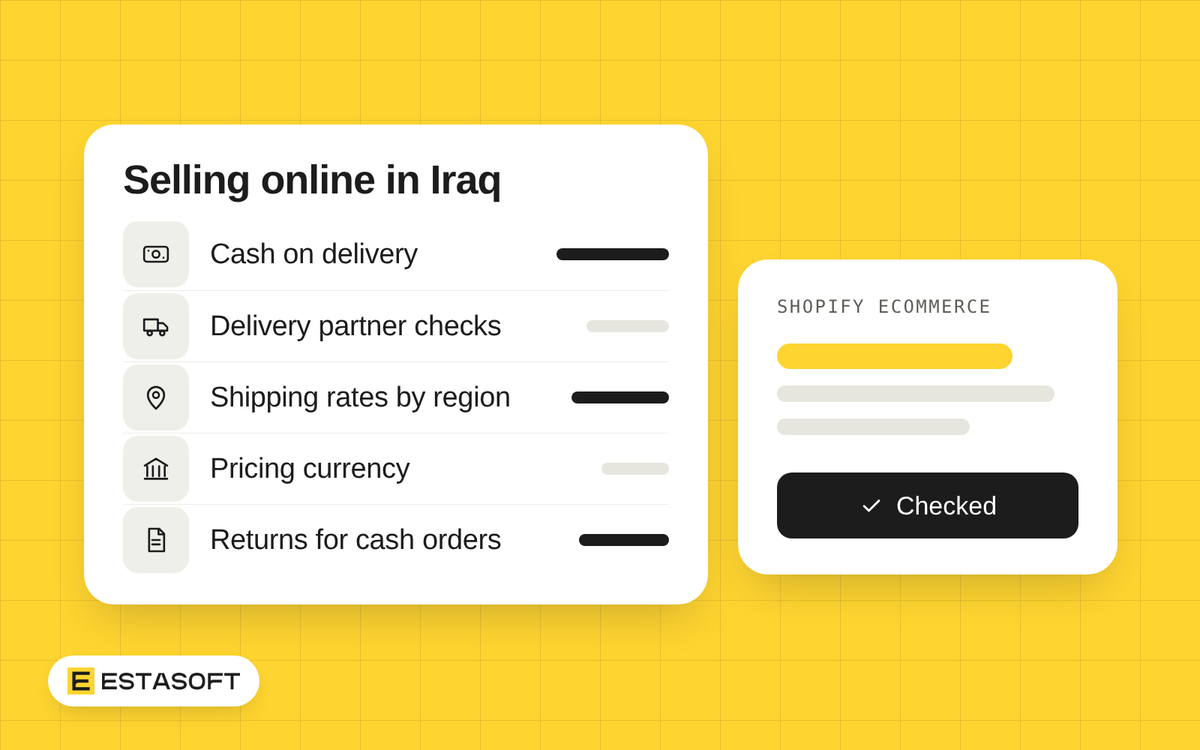
A cash on delivery order is not finished when the customer clicks buy. Your team must confirm it, pack it, hand it to a courier, wait for the cash and mark it paid. Pricing is a second task: in Iraq both the dinar and the dollar matter, and the official dollar rate changed in October 2026.
This guide is for owners running or planning an eCommerce store in Iraq. It covers cash orders in Shopify, delivery partners, shipping rates, addresses, pricing and returns. It does not list payment providers, because our guide to online payments in Iraq and Kurdistan already does that.
How cash on delivery runs in Shopify, day by day
Shopify treats cash on delivery as a manual payment method. You add it in the admin under Settings, then Payments, and write the payment instructions customers see. Shopify marks orders that use it as unpaid, and describes them as pending until you mark them as paid. Shopify's steps for manual payments say to receive payment, mark the order as paid, then fulfill. Cash on delivery turns that around. A routine that works:
- The order arrives as unpaid.
- Your team confirms it with the customer before it ships.
- You hand the parcel to the courier, with the cash amount to collect written on it.
- The courier delivers, collects the cash and later sends it to you with a statement that lists the orders.
- Your team matches the statement to your orders and marks each one as paid only when the money has reached you.
- If a parcel comes back, you cancel the order or record the return.
Until step 5, the cash is with the courier, so check every week for delivered orders that are still unpaid. When a parcel comes back, Shopify's help page on canceling says restocking is selected by default. For an order that was fulfilled but not paid, it says to use the returns process.
Cutting refused and unanswered orders
Confirm before dispatch. Call or message every cash order before it ships. Read back the items, the cash total, the address and the delivery day, and ask for a second phone number. Set a rule for silence, such as a fixed number of attempts at different times of day, and hold or cancel the order when nobody answers.
Ask for a small deposit on large orders. For large or custom items, take a deposit before dispatch by a method you can check, such as a bank or wallet transfer, and say on the product page when the rule applies. Shopify announced on 26 March 2024 a way to record more than one payment on an order with payment terms, deposits included. Its help page lists the feature for the Shopify Plus plan.
Neither habit is a guarantee, so record why orders fail and review the reasons.
What to ask a delivery partner
Put the same questions to every courier, ask for the answers in writing, and send a few real parcels before you commit.
- Coverage. Which provinces, cities and districts do you serve? Which cost more or take longer?
- Cash and fees. Which currency do you collect, and do drivers carry change? How often and by which method do you pay me, with what statement? What do you charge for delivery, cash handling, a failed attempt and a return?
- Returns. How many attempts do you make? How long do you hold a parcel, and how does it come back to me?
- Tracking. Which statuses will I see, and can my customers see them?
- Cut-off times. By what time must a parcel be ready for same-day pickup? On which days do you deliver?
- Damage and loss. Who pays if a parcel is damaged or lost, or cash goes missing? How do I claim, and with what proof?
- Address format. What must an address contain for a driver to find the door? Do you call the customer first?
Shipping zones and rates by region in Shopify
A shipping zone is a group of places that share the same rates. Make one under Settings, then Shipping and delivery, by opening the shipping profile and choosing Add zone. A rate can be flat, based on order amount or weight, or calculated by a carrier or app. A customer in an inactive market cannot order, even if their country has rates. Shopify is moving rates to shipping options by market, so your screens may differ.
The help page describes zones as groups of countries or regions and does not say whether you can pick Iraqi provinces. Open the region picker for Iraq in your admin and check. If you cannot, ask your developer how to charge different rates by area before you promise customers a rate table.
Start from your delivery partner's price list. Group places that cost the same into a few zones with names customers understand, such as your city, nearby cities and farther provinces. Decide whether the courier's cash handling fee sits inside the shipping price, and say so on the store. A surprise at the door can mean a refused parcel.
Addresses and phone numbers
The checkout setting for the shipping address phone number has three options: don't include, optional or required. Optional is the default on new stores, and Shopify says to use required when a carrier needs the number. For cash orders, set it to required. Leave address line 2 optional: it is meant for apartment or unit details, and Shopify warns that requiring it can stop some customers from buying.
Shopify requires extra regional address fields, such as a district, in Brazil, Kuwait, Panama, Peru and the Philippines. Iraq is not on that list, so expect the standard fields. Iraq is also missing from Shopify's list of countries with address autocomplete. Test your checkout with real Iraqi addresses before you launch.
Changing checkout fields by country needs an app and is available only on Shopify Plus, so on other plans one form must work for every customer. Ask your courier what a driver needs, such as district, street, a building description and the nearest landmark, and which script to use for addresses. Our guide on Arabic and English on one store covers the layout side.
Choosing the pricing currency
Shopify's store currency is the default currency customers see, and your products are priced in it. Can it be the Iraqi dinar? The Shopify pages we read do not say. IQD is a valid code in Shopify's API reference, but that page lists codes, not what a store may use. The Help Center pages on store currency and local currencies do not name the dinar, and the list of currencies accepted through Shopify Payments omits it. Iraq is not on Shopify's list of Shopify Payments countries.
Cash orders add a second question. A July 2025 Shopify changelog says manual payment methods, cash on delivery among them, can be offered in the currencies set up in Markets. The manual payments help page says accepting manual payments in several currencies needs Shopify Payments. So ask Shopify support or your developer what your setup allows, then test it. Only the store owner can change the store currency. In your admin, open Settings, then General, then Currency display, choose Change store currency and look at the list, without saving. If the dinar is not offered, you could price in dollars and state the dinar amount the courier collects, but decide who calculates it. Changing the store currency later is not a simple switch: Shopify says prices keep their numbers, so 20 US dollars becomes 20 Canadian dollars, and shipping rates do not update on their own.
Two exchange rates matter in Iraq: the official one and the market one. The Central Bank of Iraq's bulletins for May and July 2026 state a maximum selling price of 1,320 dinars per dollar for banks and other financial institutions. On 7 October 2026, Rudaw and Shafaq News reported that a Council of Ministers decision raised the official rate for end buyers from 1,320 to 1,520 dinars per dollar from that day, and Kurdistan24 gave the same new rate. All three describe steps: the Finance Ministry buys dollars at 1,500, banks buy at 1,510, and banks and non-bank financial institutions sell to end buyers at 1,520. On 29 October, Asharq Al-Awsat reported the Central Bank governor saying that the gap between the official and the market rate had narrowed. Rates can change, so open the Central Bank's latest bulletin before you set or change prices.
If you buy stock in dollars and sell in dinars, count your margin at the rate you expect to pay next time. Then use a simple rule:
- Price in one currency on the product page, in the cart and on the order.
- Write down the exchange rate you used and the date you set it.
- Review prices on a fixed day each month and whenever the official rate changes.
- An order keeps the price it was placed at, and the total on the confirmation is the cash the courier collects.
- If a customer wants to pay in the other currency, accept it only at the rate you publish, or decline.
Put the rule on your delivery page, for example: Prices are in your chosen currency. The total on your order confirmation is the cash you pay the courier, and an order keeps the price it was placed at.
A returns policy for cash orders
A cash order has no card to refund. Shopify does not capture manual payments, so plan to pay any cash refund yourself, outside Shopify, and make your policy say how. Shopify's refund page says that when there is no payment to refund, you can restock the items without a return or refund, which fits a parcel refused at the door. Cover these points:
- Refused at the door. No cash was taken, so nothing is refunded. The order is canceled and the stock returns.
- Return window and condition. How many days the customer has after delivery, and what state the item must be in. You choose and state both.
- Return delivery. Who arranges and pays for the item to come back.
- How the refund is paid. Cash on collection, bank or wallet transfer, or store credit, and how many days it takes.
- Damaged or wrong items. How and by when the customer reports it, and with what proof.
This is general information, not legal or tax advice. Check the current rules or ask a qualified adviser before you decide.
ESTASOFT offers eCommerce services and has an office in Erbil. If you want help planning your cash on delivery, delivery and pricing setup, send a short brief on the contact page. For the wider picture of a first launch, read how to launch an online store in the Middle East.
Sources
- Manual payment methods (Shopify Help Center): Cash on delivery as a manual payment method, setup under Settings and Payments, unpaid status until marked as paid, and manual payments in several currencies needing Shopify Payments (checked 3 November 2026)
- Canceling orders (Shopify Help Center): Restocking default and handling of fulfilled but unpaid orders (checked 3 November 2026)
- Refunding orders (Shopify Help Center): Restocking an order with no payment to refund (checked 3 November 2026)
- Collecting and recording partial payments (Shopify changelog, 26 March 2024): Recording more than one payment on an order with payment terms, deposits included (checked 3 November 2026)
- Collecting and recording partial payments (Shopify Help Center): Partial payments available on the Shopify Plus plan, and manual payments not captured by Shopify (checked 3 November 2026)
- Setting up shipping zones and rates (Shopify Help Center): How shipping zones and rates work, active markets, rate types (checked 3 November 2026)
- Shipping rates (Shopify Help Center): Move from shipping profiles and rates to shipping options by market (checked 3 November 2026)
- Editing the checkout form options (Shopify Help Center): Phone number and address line 2 settings, country-specific fields needing an app on Shopify Plus (checked 3 November 2026)
- Set up address collection preferences (Shopify Help Center): Regional address fields for Brazil, Kuwait, Panama, Peru and the Philippines, and the address autocomplete country list (Iraq is not on either) (checked 3 November 2026)
- Store Currencies (Shopify Help Center): Definition of store currency, with no list of store currencies (checked 3 November 2026)
- Changing your store currency (Shopify Help Center): Where to change the store currency, owner-only change, and effects on prices and shipping rates (checked 3 November 2026)
- CurrencyCode, GraphQL Admin API (Shopify.dev): IQD listed as Iraqi Dinar among currency codes; the page lists codes, not which currencies a store may use (checked 3 November 2026)
- Accepted currencies with restrictions in France (Shopify Help Center): Currencies accepted through Shopify Payments (page titled for France; asterisks mark currencies not available there), which does not include IQD (checked 3 November 2026)
- Guidelines and restrictions for selling in local currencies (Shopify Help Center): Local-currency selling in Markets needs Adyen or Shopify Payments; no currency list (checked 3 November 2026)
- Shopify Payments supported countries (Shopify Help Center): Iraq is not on the list of Shopify Payments countries (checked 3 November 2026)
- Local currencies for markets (Shopify Help Center): No list of local currencies, no mention of the dinar; multi-currency payments need Shopify Payments or Adyen (checked 3 November 2026)
- Manual payment methods now support multi-currency presentment (Shopify changelog, 8 July 2025): Manual methods, including cash on delivery, can use the currencies set up in Markets for merchants who use Markets (checked 3 November 2026)
- Central Bank of Iraq, Currency Exchange Rate List, daily bulletins for May 2026: Maximum selling price by banks and other financial institutions of 1,320 dinars per dollar stated in the May 2026 bulletins (checked 3 November 2026)
- Central Bank of Iraq, Currency Exchange Rate List, daily bulletins for July 2026: Same maximum selling price of 1,320 dinars per dollar stated in the July 2026 bulletins (checked 3 November 2026)
- Iraq cabinet approves dinar devaluation to 1,520 per dollar (Rudaw, 7 October 2026): Council of Ministers decision raising the official rate for end buyers from 1,320 to 1,520, the 1,500, 1,510 and 1,520 steps (checked 3 November 2026)
- Dollar Exchange Rate Reaches 173,000 Dinars in Kurdistan Region Markets (Kurdistan24, 7 October 2026): Official selling rate of 1,520 effective 7 October 2026, the steps, and market prices above it in the Kurdistan Region (checked 3 November 2026)
- Iraq raises official dollar rate to 1,520 IQD (Shafaq News, 7 October 2026): Third report of the decision, with the old rate of 1,320 and the end-user rate of 1,520 (checked 3 November 2026)
- Iraq's Central Bank: Exchange Rate Gap Narrows to 9%, No New Currency Being Printed (Asharq Al-Awsat, 29 October 2026): Central Bank governor on 29 October saying the gap between official and market rates had narrowed (checked 3 November 2026)