
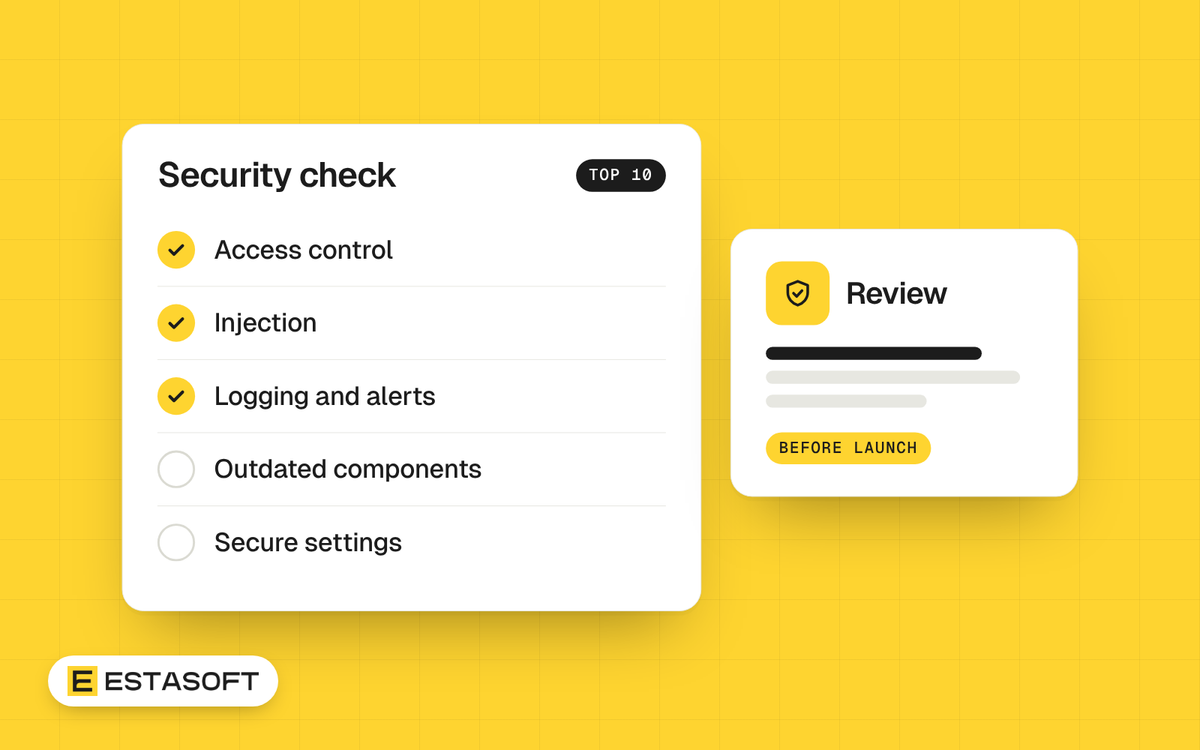
If you pay for a website, an online store or custom software, sooner or later a developer will say the project follows the OWASP Top 10. This guide explains what that list is, what its ten risks mean in plain words, and what to ask your developer about each one. It ends with a short security checklist you can use before launch.
This is general information about web security, not professional security or legal advice. Check with a qualified security adviser for your own system and country. We read the OWASP pages on 30 October 2026. On that date the current edition is OWASP Top 10:2025.
What the OWASP Top 10 is, and which edition is current
OWASP publishes the Top 10 as an awareness document: a ranked list of the ten most critical web application security risks, based on broad consensus. The 2025 edition is the eighth edition. OWASP released it in November 2025, according to The Register (11 November 2025), and it is the first update since 2021. OWASP says it used data on more than 2.8 million applications from 12 named organizations and anonymous donors, covering 589 weakness types (called CWEs), plus a survey of the community.
At the time of writing (30 October 2026), we found no newer edition. The OWASP Developer Guide lists 2025 as the latest version. Some security blogs carry 2026 in their titles but describe this same 2025 list.
The Top 10 is not a certificate and not a full standard. For requirement-by-requirement checking, OWASP maintains the Application Security Verification Standard (ASVS). Its latest stable version is 5.0.0, released in May 2025 at Global AppSec EU in Barcelona.
The ten risks in plain words
Each item gives the exact 2025 category name, what it means, and one question for your developer.
- A01:2025 Broken Access Control. People can do things they should not, such as read another customer's order or open an admin page. It stays at number 1. In OWASP's data, 100% of tested applications had some form of it, with 1,839,701 occurrences. Ask: where is access checked? The answer should be on the server, with everything blocked unless it is clearly meant to be public.
- A02:2025 Security Misconfiguration. Wrong settings: default passwords, features nobody needs, detailed error messages, missing security headers, open cloud storage. It rose from number 5 to number 2, and 100% of tested applications had some form of it. Ask: is setup repeatable and automated? OWASP says checks that are not automated should be done by hand at least once a year.
- A03:2025 Software Supply Chain Failures. Risk in code you did not write: libraries, plugins, apps and build tools, including what they depend on. It widens the 2021 category Vulnerable and Outdated Components. Exactly 50% of community survey respondents ranked it number 1. Ask: can you give me a list of every component (a software bill of materials), and how do you hear about flaws and updates?
- A04:2025 Cryptographic Failures. Sensitive data that is not properly protected: sent without encryption, stored with weak methods, or with keys left in code. It dropped two places to number 4. Ask: is all traffic encrypted with TLS 1.2 or newer, and are passwords stored with slow, salted functions such as Argon2, scrypt or PBKDF2?
- A05:2025 Injection. The system treats text typed by a user as instructions, for example inside a database query. OWASP's cheat sheet defines it as an application sending untrusted data to an interpreter. It fell from number 3 to number 5. Ask: do you use parameterized queries? They keep the query fixed and pass user input as plain data.
- A06:2025 Insecure Design. The plan itself is weak, so cleaner code cannot fix it. A refund or discount flow that nobody thought about abusing is an example. It moved from number 4 to number 6. Ask: did you map the threats to sign-in, payments and other key workflows, and are security requirements written into the user stories?
- A07:2025 Authentication Failures. The system cannot reliably tell who is who: default or weak passwords, guessing attacks that are not blocked, weak password resets, sessions that stay open, no second factor. OWASP shortened the 2021 name Identification and Authentication Failures. Ask: is multi-factor authentication on for admin and staff accounts, and are known breached passwords blocked? OWASP also advises against forced password changes unless a breach is suspected, in line with NIST SP 800-63B.
- A08:2025 Software or Data Integrity Failures. Trusting code or data without checking that it is genuine and unchanged: plugins from unvetted sources, pipelines that deploy unverified files, updates installed without checks. Ask: who can change our code and build pipeline, are changes reviewed, and are packages verified, for example by digital signature?
- A09:2025 Security Logging and Alerting Failures. If nobody notices an attack, nobody can stop it. Failed logins and access failures should be logged, logs should be protected from tampering, and alerts should reach someone who acts on them. The 2021 name was Security Logging and Monitoring Failures. Ask: what do we log, who gets the alerts, and how long do we keep logs?
- A10:2025 Mishandling of Exceptional Conditions. New in 2025. The software does not cope with the unexpected: errors, timeouts, half-finished transactions, or error messages that reveal system details. Ask: what happens if the payment succeeds but saving the order fails? OWASP advises rolling back every part of the transaction, which it calls failing closed. It also warns that error messages carrying sensitive system details help attackers learn about your system.
What changed since 2021
- Two categories are new: Software Supply Chain Failures (A03) and Mishandling of Exceptional Conditions (A10).
- Security Misconfiguration moved up from number 5 to number 2.
- Server-Side Request Forgery was A10 in 2021 and no longer has its own category.
- Names changed for authentication, logging and integrity. The 2021 names were Identification and Authentication Failures, Security Logging and Monitoring Failures, and Software and Data Integrity Failures.
How to use the list in a project
Ask your developer for a one-page answer: for each of the ten categories, what the project does and how it is tested. Then ask which ASVS version they work to and which requirements they test against. ASVS requirements are numbered by chapter, section and requirement, and OWASP recommends citing them with the version, for example v5.0.0-1.2.5. That lets you point to an exact requirement in a contract.
Security acceptance checklist for a project
- You hold the developer's one-page answer on the ten categories, with the ASVS version named.
- Access is tested with two customer accounts: customer A cannot open customer B's orders, invoices or addresses, and a customer cannot reach an admin page by typing its address.
- Every page loads over HTTPS, using TLS 1.2 or newer.
- Passwords are stored hashed with a slow, salted function, and you know its name.
- Multi-factor authentication is on for every admin and staff account. Default and shared accounts are removed.
- You receive a list of every component, plugin and app, with versions and owners, and a plan for updates.
- Sample content, test accounts and unused features are removed.
- Error pages show a generic message, with no technical details.
- Failed logins and access failures are logged, and one named person receives alerts.
- You have an independent security test report before launch if the system holds personal or payment data.
- You know who holds each key and password, and how they are changed at handover.
Mistakes to avoid
- Treating a developer's claim to follow the OWASP Top 10 as proof. It is a list of risks, not a certificate.
- Testing only what visitors see. Access checks must run on the server, because checks in the browser alone can be bypassed.
- Leaving default or shared admin accounts in place after launch.
- Adding plugins and apps without checking who maintains them. Our WordPress security checklist shows the habit.
- Treating security as a launch task only. Flaws appear in components after launch, so plan updates with a website maintenance routine.
- Working from the 2021 list, or from a blog that has 2026 in its title but describes the 2025 list.
Questions owners ask
Is the OWASP Top 10 a legal requirement?
No. It is voluntary guidance, not a law or a certification. Data protection law, your contracts or card payment rules may set their own security duties, so ask a qualified adviser in your country. The list still helps because you and your developer share one vocabulary.
What is the difference between the Top 10 and ASVS?
The Top 10 is an awareness list of ten risk categories. ASVS is a standard. OWASP says it provides a basis for testing web application technical security controls and gives developers a list of requirements for secure development. Its latest stable version is 5.0.0.
Do I still need this if I use a hosted platform?
The platform provider looks after the platform itself, so read its documentation to see what it covers. What you add is still yours to check: apps and plugins, custom theme or integration code, and staff accounts. Those touch access control, authentication and supply chain failures. Our IT basics checklist covers accounts and updates.
Need a hand?
If you want a security review built into a project, send a short brief on our contact page. Our custom software page lists a security review before launch, described as access, data and dependencies checked. You can also read about our web development work.
Sources
- OWASP Developer Guide: OWASP Top 10
- OWASP: OWASP Top 10:2025 Introduction (Portuguese version)
- OWASP: OWASP Top 10:2025 home page (Spanish version)
- OWASP: A01:2025 Broken Access Control
- OWASP: A02:2025 Security Misconfiguration
- OWASP: A03:2025 Software Supply Chain Failures (Portuguese version)
- OWASP: A04:2025 Cryptographic Failures (Spanish version)
- OWASP: A06:2025 Insecure Design
- OWASP: A07:2025 Authentication Failures (Spanish version)
- OWASP: A08:2025 Software or Data Integrity Failures
- OWASP: A09:2025 Security Logging & Alerting Failures
- OWASP: A10:2025 Mishandling of Exceptional Conditions
- OWASP Top Ten project: The OWASP Top Ten (2021 category names)
- OWASP Cheat Sheet Series: Injection Prevention Cheat Sheet
- OWASP Cheat Sheet Series: Query Parameterization Cheat Sheet
- OWASP: Application Security Verification Standard (ASVS) project page
- OWASP ASVS repository: README
- Reflectiz: OWASP Top Ten 2026 (vendor blog with 2026 in its title, describes the 2025 list)
- The Register: OWASP Top 10: Broken access control still tops app security list (11 November 2025)