
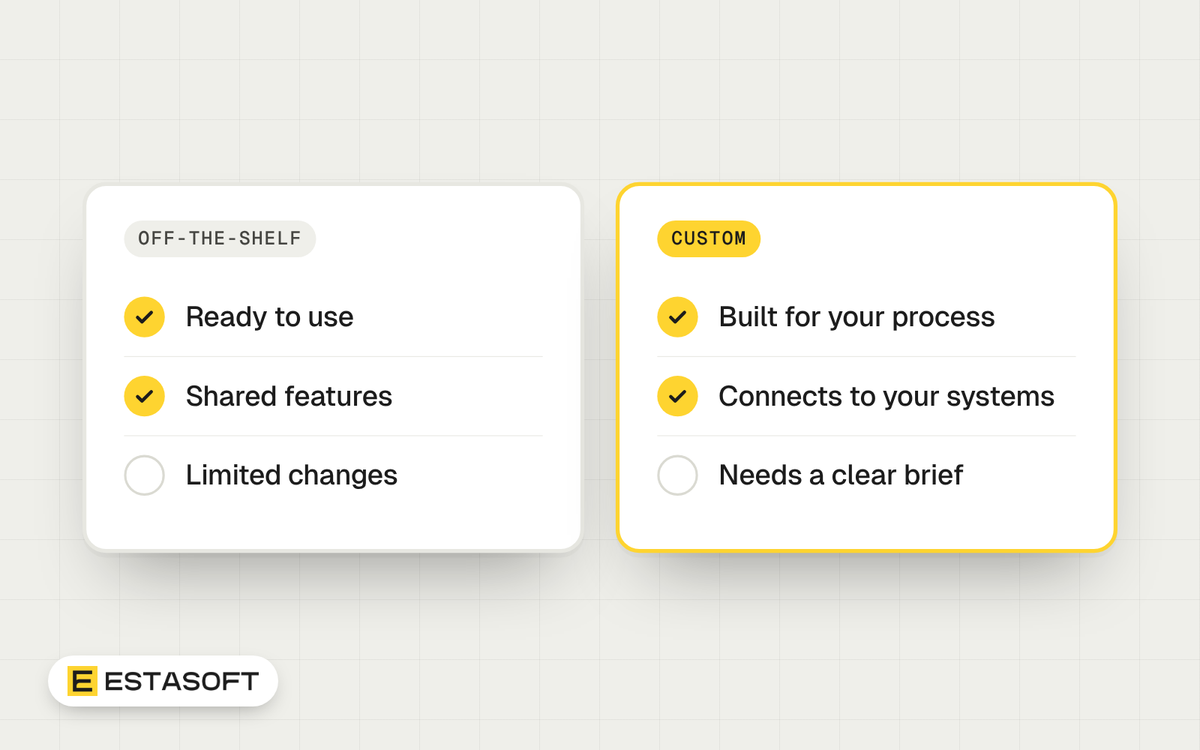
This guide is for owners and managers who must choose between custom software and off-the-shelf software. You will learn how to test a vendor's claims, score options, count the real cost and write your exit rights into the contract. We checked every source below on 30 October 2026.
The contract and data-rule points here are general information, not legal or professional advice. Check them with a qualified adviser in your country before you sign.
Define the problem before you pick a product
The UK Government Service Manual has a page on commercial off-the-shelf (COTS) products. It was first published on 2 May 2025 and updated on 4 July 2025. It tells public teams not to commit to a technology before a discovery phase has defined the problem, and to try different options in an alpha phase first. A private company is not bound by that rule, but the method works: write the problem down, test two or three options on real work, then sign.
The UK Government Digital Service gave a simple split in a post dated 3 February 2021. Buy where many organizations have the same need and suppliers serve it well. Its example is email. Build where the capability sits at the center of what your organization does. The same post adds that you keep responsibility whichever way you go: "you cannot outsource risk."
Four routes, not two
The choice is not only buy or build. There are four routes:
- Buy and configure. You change settings inside the product. The vendor keeps supporting you when new versions arrive.
- Buy and customize. Developers change the product's code or add heavy extensions. This is where cost and risk grow.
- Connect several tools. Ready-made products linked through APIs, plus a small custom piece for the gap.
- Build custom. Software written for your workflow, by your own team or a supplier.
An article on when to use COTS from 18F, a technology team of the US General Services Administration that GSA closed in March 2025, lists similar alternatives. The article is still online at the time of writing. It suggests connecting tools through APIs, building on open-source software, or combining several small tools so you depend less on one. It adds another option: change your process to fit the software, if a decision maker can enforce the change. A UK Local Digital guide adds a question for each capability: is it standardized, or new and still evolving? It describes four stages: genesis, custom, product and rental, and commodity and utility. Standard needs are for buying. New or organization-specific needs are candidates for building.
The customization trap: a test you can run this week
The GOV.UK guidance on purchasing strategy was last updated on 3 September 2026. It warns that even small changes to off-the-shelf software can remove most of its benefits. It advises configuring settings instead, so the supplier's support continues when new versions come out.
The 18F de-risking guide turns this into two practical tests. It calls a heavily modified product unrecognizably modified off-the-shelf software, and it advises avoiding it.
- Add up the vendor's proposed labor for customization. Compare it with the base cost of the product, which is the license and sometimes hosting. If the labor is higher, the guide treats the result as unrecognizably modified.
- Expect to find, or have the vendor supply, at least three examples of the same product implemented on a similar timeframe and budget, to the users' satisfaction. If you cannot find them, the guide treats the result as unrecognizably modified.
These tests come from government buying guidance, so treat them as a rule of thumb, not a law. If a package fails them, price a custom build beside it.
Score the options with a simple weighted method
ISO/IEC 25010:2023 was published in November 2023. It is the international product quality model for software and systems. It has nine characteristics, each split into sub-characteristics, and ISO describes it as a reference for specifying, measuring and evaluating quality. The 2023 edition replaced the older terms usability and portability with interaction capability and flexibility, and it names security and safety as characteristics. Use its idea: judge quality in several dimensions, not on features alone.
A typical scoring approach, which is general and not a rule:
- List 8 to 10 criteria. Mix quality items (security, reliability, ease of use for staff, how well it works with your other systems, ease of change) with business items (cost over several years, support, data export, supplier stability).
- Give each criterion a weight from 1 (nice to have) to 5 (must have).
- Score each option from 0 to 5 per criterion. Base the score on a demo with your own data, not on slides.
- Multiply each score by its weight and add the results.
- Set veto criteria. An option that scores 0 on a must-have, such as data export or user permissions, is out whatever the total.
Count the whole cost, not the first invoice
GOV.UK advises understanding as much of the full cost of building or buying as possible, and setting an upper limit based on the business outcome you want. The 18F article on when to use COTS adds two cautions. Vendors may charge extra for data migration or extraction when a contract ends, and may be less open about maintenance costs. Some products also carry features you will never use, so you pay for unneeded licenses.
Put these lines on your cost sheet for every option:
- License or subscription, and what happens to the price when your user count grows
- Setup, configuration, customization and integration work, with labor itemized
- Data migration in, and data export out
- Training and the time your staff spend learning
- Hosting, backups, support and upgrades, and who pays for them
- Exit: what leaving costs in money and time
Lock-in and exit: what to put in writing
Lock-in is the cost of leaving. Two public sources give you wording to copy. GOV.UK tells public buyers to include, where economic, a break clause at a maximum of 2 years that lets them end the contract with minimal exit costs. It also tells them to be explicit about who owns the intellectual property in a technology service, including software code and business rules, and who owns the data, including data the service creates.
The EU Data Act (Regulation (EU) 2023/2854) can help if your supplier offers cloud services to customers in the EU. It has applied since 12 September 2025, and its switching rules cover cloud services such as infrastructure, platform and software as a service. Its scope clause reaches providers wherever they are established. Under Article 25, the contract must allow a customer to start switching with a notice period of no more than two months. The standard transition period may not exceed 30 calendar days, and a provider that shows this is not technically feasible may extend it to a maximum of seven months. Data must stay retrievable for at least 30 calendar days after the transition. Under Article 29, providers may not charge for switching from 12 January 2027. Until then they may charge only reduced fees tied to their direct costs. Ask your adviser whether the Act covers your contract. If it does not, ask for similar terms in writing.
A checklist for your decision
Questions to ask every vendor
- Will you need to write code or custom scripts to meet my requirements? Who will own that work?
- Can I keep installing normal updates after the changes are made?
- Can you show three customers with a similar scope, timeframe and budget?
- Is the labor for customization itemized, and how does it compare with the license cost?
- What is the exact process, format and cost to export all my data, including history, when the contract ends?
- What are the notice period, minimum term and automatic renewal terms?
- Which open standards and APIs do you support?
- How do roles and permissions work, and is there a log of who changed what?
- What happens to my data and access if your company is sold or closes?
Which way to lean
Lean toward off-the-shelf if your need is common, a mature product covers most of it, and you can configure rather than customize.
Lean toward custom software if your workflow is a real advantage, no product fits without heavy modification, you need to join several systems in one place, or the 18F labor test says customization would cost more than the product itself. A hybrid is often the middle path. If you are still weighing a theme, an app or code on a web store, read our guide to apps, themes and custom code.
Mistakes to avoid
- Choosing a product from a demo on the vendor's sample data, not yours.
- Paying for many small customizations until the package no longer updates.
- Comparing only the first-year price.
- Signing without a tested data export.
- Building custom software for a need that a standard tool already solves.
- Leaving the contract silent on who owns code, data and the accounts. Our guide on who owns the code in a software project covers this.
Questions owners ask
Is custom software always more expensive than buying?
Not always. A low subscription can cost more over several years once you add users, add-ons and customization. Compare the full cost over the period you expect to use the system.
Can I start with off-the-shelf and move to custom later?
Yes, if you can export your data cleanly and your tool connects to others through APIs. Test the export before you commit. If your data lives in spreadsheets today, see when to move from spreadsheets to one system.
How do I know if my need is unique enough to build?
Ask whether other organizations have the same need and suppliers already serve it well. If yes, the UK Government Digital Service advice points to buying. If the capability is central to how you win customers, building is more likely to fit.
Need a hand?
If you want a second opinion on a buy-or-build decision, send a short brief on the contact page. Our custom software page lists the kinds of work we do: internal tools, customer portals, workflow automation, integrations and APIs, data migration and legacy modernization. Before you hire anyone, see our questions to ask before hiring an agency.
Sources
- GOV.UK Service Manual: Commercial off-the-shelf products and services
- GOV.UK: Define your purchasing strategy
- Government Digital Service: To build or to buy, that's the technology question
- Local Digital: Decide whether to build, buy or share
- US General Services Administration 18F: Understanding and choosing a software solution
- US General Services Administration 18F: When to use COTS
- ISO: ISO/IEC 25010:2023 Product quality model
- IEC Webstore: ISO/IEC 25010 publication record
- ANSI Webstore: ISO/IEC 25010:2023 preview pages
- Springlex: Data Act (Regulation (EU) 2023/2854), Article 1 text
- Springlex: Data Act (Regulation (EU) 2023/2854), Article 25 text
- Springlex: Data Act (Regulation (EU) 2023/2854), Article 29 text
- Bundesnetzagentur: Data processing services and provider switching
- Bundesnetzagentur: Data Act factsheet on switching
- Nextgov: GSA eliminates 18F (1 March 2025)