
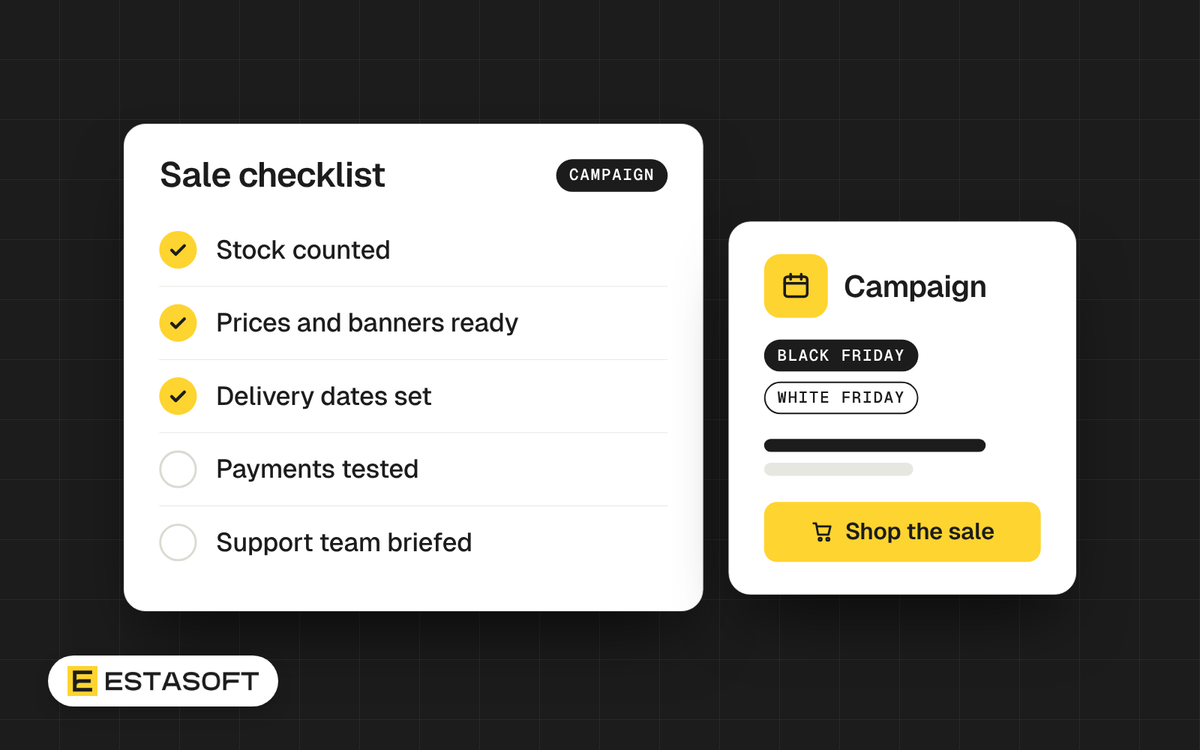
Black Friday falls on Friday 27 November 2026, and Cyber Monday on Monday 30 November. That is four weeks from the day we wrote this guide. In the Gulf, large online retailers have also run an end-of-November sale called White Friday, which can last a week. Whether your customers know these events depends on your country, so ask them, or look at which stores in your market run one.
If you decide to take part, the weeks before the sale decide most of the result. This guide is a four-week plan for brand owners and company owners who run an online store in the Middle East, the UK, Europe, the US or Canada.
First decide whether to take part
A sale is not right for every business. Discounts cut your margin, and they can change how customers see your brand. If a big discount does not suit you, there are other offers: a free gift with the order, free delivery, a bundle, or early access for people on your email list. Choose the offer you can afford and explain in one sentence.
Four weeks before: the offer
- Work out the lowest price you can accept after delivery, payment fees and returns.
- Choose a small number of products. A clear offer is easier to explain than a sale on everything.
- Set the start and end time, and write the time zone next to them. Customers in different countries read dates differently. In Shopify you can set start and end dates when you create a discount, so you can prepare it ahead of time.
- Show a real earlier price. The rules for how you may show a reduced price differ by country, so check them for every market you sell to.
Three weeks before: stock and delivery
- Count your stock, and make sure the store cannot sell what you do not have.
- Order packaging and printed labels early.
- Ask your courier about delays and extra charges in busy weeks.
- Write the last order date that still lets you deliver before any holiday your customers care about, and show it on the store.
- If you ship to other countries, read Selling from the Middle East to the UK, Europe, the US and Canada first. Customs and tax rules change what customers pay at the door.
Two weeks before: get the store ready
- Open the store on a real phone and go through checkout from start to finish.
- Check speed on the pages you will send traffic to. Our guides Core Web Vitals for Shopify stores and Five quick checks for a faster Shopify store list what to look at.
- Remove apps and scripts you do not need. Extra code makes a store slower when it is busy.
- Place test orders with every payment method and with the discount code. If you take cash on delivery, decide how your team will confirm those orders. See Taking online payments in Iraq and Kurdistan for the options.
- Read the emails customers will receive. Fix wrong dates, names and delivery promises.
- Stop big theme changes one week before the sale, so you are not fixing new problems on the day.
One week before: tell your customers
- Write to your email list first. If your customers use WhatsApp or Instagram to talk to you, prepare short messages with a link.
- Make one page for the sale at a fixed web address that you can reuse every year, for example
/pages/black-friday. Update that page each year instead of making a new one, so search engines can build up history for the address. - Write the page title and description in plain words, with the offer and the dates. For the basics, read our Shopify SEO checklist.
- Put the terms on the page: what is included, until when, and how returns work.
Sale days: watch and answer
- Check orders and payment errors every hour on the first day.
- Keep stock up to date, and hide products that sell out.
- Decide who answers messages, in which languages, and how fast. Tell customers what to expect.
- Keep a short log of problems and questions. It is the best material for next year.
After the sale
- Ship fast and send updates. Late parcels after a sale are a common cause of complaints.
- Thank customers, and ask for a review after the parcel arrives.
- Process returns quickly, and compare the results with your plan.
- Write down what worked, what did not and what to change next year.
Questions store owners ask
Do I need a discount to take part?
No. Some brands offer a gift, free delivery or early access instead. Choose what fits your margin and your brand.
Is White Friday the same as Black Friday?
They are similar end-of-November sales. The name and the dates differ between retailers and countries, so follow what your customers see in your market.
When should I start telling customers?
Tell your own customers about a week before, and have the sale page ready earlier. A page that is ready and tested lets you answer questions calmly when the sale starts.
Need a hand?
We build Shopify and eCommerce stores for clients in Kurdistan, Iraq, the UAE and the UK. If you want a second pair of eyes on your store before the sale, ask for a free store review or send a short brief on the contact page.