
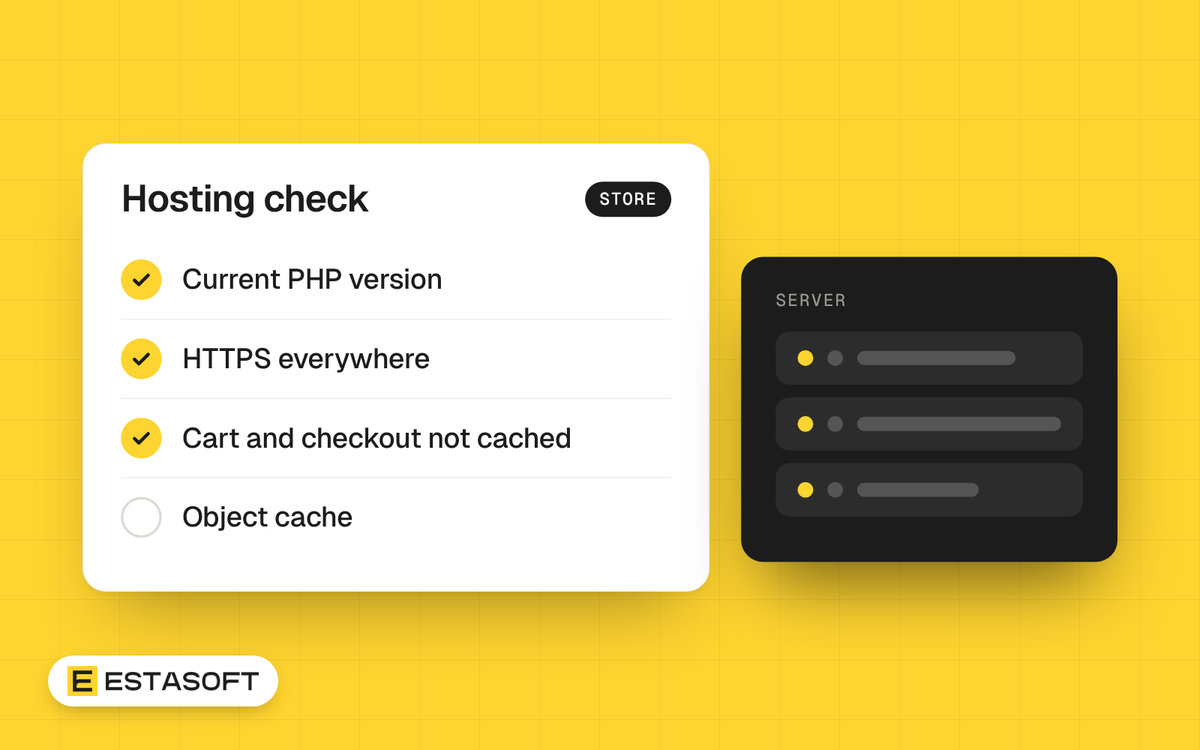
This WooCommerce hosting and speed guide is for owners who run, or plan to run, a store on WordPress and want to choose hosting and judge speed without reading server logs. You will get the official minimums, the caching rules that keep carts working, the speed targets to hold a developer to, and a test routine.
We read the WooCommerce, WordPress.org, Google and web.dev pages named below on 30 October 2026. Versions and thresholds change, so check them again when you sign a hosting contract.
The minimum server requirements
At the time of writing (30 October 2026), the WooCommerce documentation for version 10.8 and later asks the host to support:
- WordPress 6.9 or greater;
- PHP 8.3 or greater, tested up to PHP 8.4;
- MySQL 8.0 or greater, or MariaDB 10.6 or greater;
- HTTPS;
- a WordPress memory limit of 256 MB or greater.
Two details are easy to miss. First, the WordPress.org requirements page recommends MariaDB 10.11 or greater, a newer floor than WooCommerce states, so ask for the newer one. Second, the wp-config documentation says WordPress by default tries to raise PHP memory to 40 MB on a single site, which is well under the 256 MB figure, so do not assume a default plan meets it. Ask the host to confirm the limit.
If you take card payments, your host matters for PCI DSS: WooCommerce's PCI page says many PCI requirements apply to your broader environment, including your hosting provider. This is general information, not professional advice, so ask your payment provider what applies to your store. WordPress.org's hardening guide advises choosing a host that is open about its security practices, runs current server software and offers dependable backups.
WooCommerce also lists PHP 7.4, MySQL 5.6 and MariaDB 10.4 as a legacy environment that still works but has reached end of life and may expose your site to vulnerabilities. For non-English stores it lists Multibyte String support as required, which matters for Arabic and Kurdish product names. Some WooCommerce.com extensions also need SOAP support.
Questions to ask a host
- Which PHP version do we run, and can we change it?
- Which MySQL or MariaDB version is installed?
- What is the WordPress memory limit, and can it be 256 MB or more?
- Is Multibyte String support on?
- Is HTTPS included, and who renews the certificate? See domains, DNS and hosting explained.
- Do you cache pages at server level, and are the cart, checkout and My account pages excluded?
- Is an external object cache available? WooCommerce > Status has an External Object Cache row that shows whether WordPress uses one, and its Dropin Plugins section lists an object-cache.php file if one is installed.
- How are scheduled tasks run, and can we see them?
- Where are the servers compared with our customers, and what does the plan include for backups?
Caching rules that protect carts and checkout
WooCommerce's caching guide says the Cart, My Account and Checkout pages must stay dynamic because they show information specific to the current customer. Many caching plugins already exclude them, but verify it. The cookies to leave out of caching are woocommerce_cart_hash, woocommerce_items_in_cart, wp_woocommerce_session_ (which lasts two days), woocommerce_recently_viewed and store_notice. If your cache stores database queries, consider excluding _wc_session_ too.
Some hosts cache the My Account page. The guide gives a symptom: if a password reset keeps returning you to the login screen, that page is probably cached, so speak to your host. For WP Rocket, the guide says to set Cart, Checkout and My Account not to be cached and to avoid JavaScript minification. For Varnish, it says to pass requests for the cart, my-account and checkout paths and any request with ?add-to-cart=. If you use the Geolocate (with page caching support) option in the General settings, expect a ?v= string in URLs, which the documentation says prevents static caching of prices.
What slows a store down from the inside
- Order storage. High-Performance Order Storage keeps orders in dedicated tables. It is on by default for new installations from WooCommerce 8.2. Existing stores must synchronize both tables before switching, and the copy runs 25 orders at a time. Look under WooCommerce > Settings > Advanced > Features.
- Big tables. The Database section of WooCommerce > Status lists table sizes, including wp_woocommerce_sessions, wp_actionscheduler_actions and wp_options. A table far larger than the others is a clue for your developer.
- Background jobs. WooCommerce > Status has a Scheduled Actions tab that logs background processes, and a WP Cron row.
- Old data. The retention options under Accounts & Privacy move old pending, failed and canceled orders to the trash daily when you set them. Ask your accountant before you set periods.
- Plugins. WooCommerce's guidance to extension developers says scripts and styles should load only on the pages that need them, and that stores should be tested with an extension on and off. It names a Lighthouse performance score of 90 or above on a simple Woo site as a recommended standard. Do the same test on staging for your heaviest plugins.
- Images. Images or videos without set dimensions are a named cause of layout shift, and image elements are among those that can count as the LCP.
Speed targets that matter
Google's Core Web Vitals use the 75th percentile of page loads, split by mobile and desktop. Good values, per web.dev, are LCP of 2.5 seconds or less, INP of 200 milliseconds or less and CLS of 0.1 or less. Poor values are LCP above 4.0 seconds, INP above 500 milliseconds and CLS above 0.25. Web.dev names common causes of layout shift: images or videos with unknown dimensions, ads and widgets that resize themselves, and fonts that render larger or smaller than their fallback. PageSpeed Insights also reports time to first byte, with a good value of 800 milliseconds or less, and labels it experimental. It is the wait before the first data arrives, so it is the number to raise with a host. For the basics, read our Core Web Vitals guide.
How to test, step by step
- List five pages: home, a category, a product, the cart and the checkout.
- Run PageSpeed Insights on the first three, on mobile. Read the field data and the lab data separately. Field data covers the previous 28 days of real visits. Lab data comes from Lighthouse, which simulates a mid-tier phone, and a score of 90 or above counts as good.
- Open the Core Web Vitals report in Search Console. It uses Chrome UX Report data, groups similar URLs, and gives each group the status of its worst metric.
- Test the cart and checkout by hand on a phone, with an item in the cart, and time how long each step takes. Note any step that feels slow or jumps.
- Change one thing at a time, then test again. Field data lags by up to 28 days.
Mistakes to avoid
- Caching the cart, checkout or My account pages.
- Buying hosting on price alone and never asking for the PHP and memory settings.
- Installing a plugin for each small feature without testing its cost.
- Trusting a lab score and ignoring field data.
- Running old PHP because nothing is visibly broken.
Questions owners ask
Which PHP version should a WooCommerce store use?
WooCommerce's documentation asks for PHP 8.3 or greater and says it has been tested up to PHP 8.4. WordPress.org recommends 8.3 or greater as well. Check your version in WooCommerce > Status under Server Environment.
Why do customers see the wrong cart or get logged out?
Page caching is the usual suspect. Confirm that the cart, checkout and My account pages and the WooCommerce cookies are excluded, at both plugin and host level.
Is a Lighthouse score of 90 enough?
Not by itself. Google says lab data and field data can disagree, and Core Web Vitals are judged on field data at the 75th percentile. Treat the lab score as a way to find causes.
Need a hand?
Our web development page says we can set up hosting or use yours. After launch, the maintenance checklist shows what to review each month, and the WooCommerce setup checklist covers launch settings. To discuss your store, send a short brief on the contact page.
Sources
- WooCommerce: Server recommendations
- WordPress.org: Requirements
- WordPress Developer Resources: Editing wp-config.php
- WordPress Developer Resources: Hardening WordPress
- WooCommerce: PCI-DSS compliance and WooCommerce
- WooCommerce developer docs: Configuring caching plugins
- WooCommerce developer docs: Performance best practices
- WooCommerce: General settings
- WooCommerce: High-Performance Order Storage
- WooCommerce: Understanding the system status report
- WooCommerce: Accounts and privacy settings
- web.dev: Web Vitals
- web.dev: Largest Contentful Paint
- web.dev: Interaction to Next Paint
- web.dev: Cumulative Layout Shift
- Google: About PageSpeed Insights
- Google Search Console Help: Core Web Vitals report