
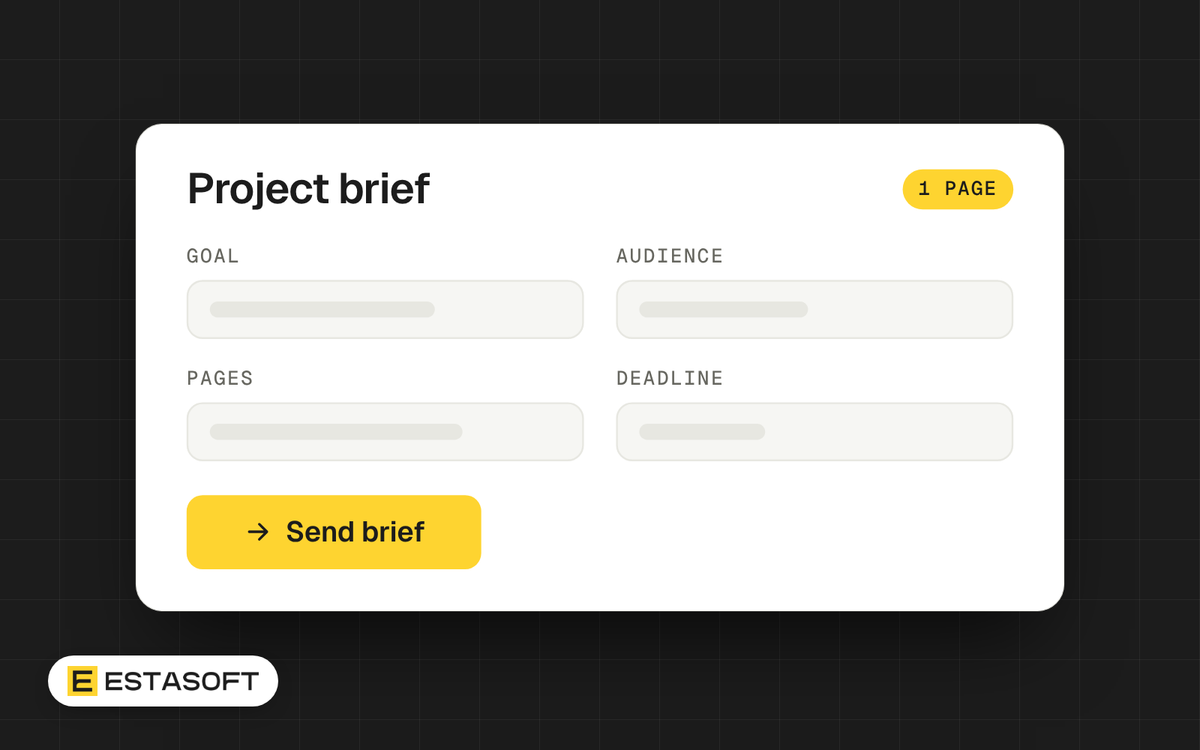
This guide is for owners and managers who are about to ask a web agency or developer for a quote on a website, an online store or a web app. You will leave with a one-page brief template of 12 fields, and you will know what each field changes in a quote. We checked the sources listed at the end on 30 October 2026.
A good brief does three things. It lets vendors price the same job, so you can compare quotes. It shows them early what is risky or unclear. And it protects you from paying for features that do not serve your goal.
Why one page is enough
The UK government's Service Manual describes a "discovery" phase that comes before any building. Its purpose is to understand the problem before committing to a solution. The guide says teams should not start building during discovery. It also says a pre-defined solution should be reframed as a problem, and that the team should agree what is not part of the problem.
The same page asks teams to identify hard and soft constraints, such as legislation, contracts, legacy technology and existing processes. It also asks them to plan how success will be measured. It says there is no set period, but around 4 to 8 weeks is typical. That figure is for government services. Your project is smaller, and your brief is the short version of the same work.
The guide also says that stopping at the end of discovery is not a failure when the research shows it is the right call, because it can save time and money. Treat the brief the same way. If the answers do not fit your goal, you can change the plan before you pay for any build.
The 12 fields and what each one changes in a quote
Copy these headings into a document. Write one to three lines under each. Write "unknown" where you do not know yet. That is more useful than a guess.
- Goal. One sentence on what should be true after launch, for example "visitors request a quote online instead of calling". It changes the quote because the vendor can leave out features that do not serve the goal.
- Audience. Who visits, on which devices, and what they need to do. It changes design effort, content and testing.
- Markets and languages. Countries, languages, currencies and right-to-left text. It changes layout work, translation, payment and tax setup, and the URL structure of the site. Google lists a country domain, a subdomain and a subdirectory as options. It notes that country domains can cost more, can be hard to get, sometimes have strict requirements and target only one country. Our guide to Arabic and English on one store shows the practical side.
- Pages and features. A list of pages and features, split into must have and nice to have. It changes the amount of design and build work. A ranked list lets the vendor quote in stages.
- Content owner. Who writes the text, supplies the photos and approves translations, and by which date. It changes the timeline and whether the quote includes copywriting or photography.
- Integrations and current setup. Your current site, domain, hosting, platform, payment provider, CRM, email tool, booking system and accounting software. It changes integration work and migration work. If a current site exists, read our guide to redesigning without losing search traffic.
- Constraints. Brand rules, legal needs, tools you must use, and technical targets. We suggest two targets: WCAG 2.2 level AA for accessibility, and the "good" Core Web Vitals thresholds for speed. They change design and testing time.
- Budget range. Your own range, or "not decided". It changes what the vendor proposes. With a range, they can offer options inside it instead of guessing. Our guide to Shopify store costs lists the cost parts to expect.
- Deadline and its reason. The date and what depends on it, such as a campaign or an event. It changes the scope of the first release, because a fixed date may need a smaller launch.
- Success measures. Two or three numbers you will check, such as enquiries per month, orders, page speed or impressions in Search Console. They change the analytics setup and the reporting you ask for.
- Decision makers. The names of the people who approve work, and how fast they reply. It changes the number of review rounds a vendor can plan for.
- Examples you like. Two or three sites you like and one you dislike, with one sentence on why. It changes design direction and reduces repeated design rounds.
Measures that hold up
Pick measures you can check yourself. Two thresholds are public. On web.dev, the "good" Core Web Vitals values are Largest Contentful Paint of 2.5 seconds or less, Interaction to Next Paint of 200 milliseconds or less and Cumulative Layout Shift of 0.1 or less, measured at the 75th percentile of page loads. The W3C says WCAG 2.2 level AA needs a contrast ratio of at least 4.5 to 1 for normal text, and pointer targets of at least 24 by 24 CSS pixels, with listed exceptions.
For search, be careful. Google's page on hiring an SEO says to ask what results to expect, on what timeframe and how they are measured. It warns against SEOs who claim to guarantee rankings, because no one can guarantee a number one ranking on Google. Its SEO Starter Guide says changes can take from a few hours to several months to show, and advises waiting a few weeks before you assess a change. Google's help says a new page or site can take a week or so to start being crawled and indexed. Ask vendors to report on measures, not to promise rankings.
Write goals and done-criteria in plain words
The Service Manual suggests a short pattern for a need: "As a [who], I need [what], so that [why]". It says the goal is the most important part, because it helps you check that you are solving the right problem and decide when the story is done. It also suggests acceptance criteria, which are a checklist that often starts with "it's done when".
Example (invented, for illustration only): "As a patient, I need to book an appointment on my phone, so that I do not have to call. It's done when the form works on iOS and Android, a confirmation email arrives, and staff see the booking." Write three or four of these for your most important features. They make quotes and acceptance tests easier.
How to use the brief
- Write the brief yourself first. Keep it to one page and move long lists, such as a page inventory, to an attachment.
- Send the same brief to two or three vendors. Do not give one vendor extra details.
- Ask each vendor to list its assumptions and what the quote excludes, in writing.
- Compare the quotes field by field against your 12 fields, not only by total.
- Ask about experience in your sector and country, examples of past work and references. Google's SEO hiring guide suggests the same checks. See our list of questions to ask before hiring an agency.
- Give only the access a task needs. Google advises read-only access to Search Console for an audit.
Mistakes to avoid
- Describing a solution ("we need a mega menu") instead of the problem ("visitors cannot find our services").
- Leaving out the content owner, then blaming the schedule when text arrives late.
- Hiding the budget range and then comparing quotes that aim at different sizes.
- Asking a vendor to guarantee search rankings.
- Listing 40 features with no priority.
Questions owners ask
How long should the brief be?
One page. If it grows, keep the one-page summary and attach the detail, such as a page list or a content spreadsheet. A vendor should be able to read the summary in five minutes.
Should I put my budget in the brief?
We advise giving a range or writing "not decided". Without it, vendors guess, and you receive quotes for different sizes of project. A range does not oblige you to spend it.
Do I need a technical specification first?
No. Describe the problem, the users and the limits, and let the vendor propose the technical approach. For a larger project, ask for a short paid discovery step, as in the government method above, before a full build quote.
Need a hand?
If you are planning a company website, see our web development page. You can also send your short brief on the contact page, and we will reply with questions and next steps.
Sources
- GOV.UK Service Manual: How the discovery phase works
- GOV.UK Service Manual: Writing user stories
- Google Search Central: Do You Need an SEO? Tips for Hiring an SEO
- Google Search Central: Search Engine Optimization (SEO) Starter Guide
- Google Search Central: Managing Multi-Regional and Multilingual Sites
- Google Search Console Help: Page indexing report
- web.dev: Web Vitals
- W3C: Understanding SC 1.4.3, Contrast (Minimum)
- W3C: Understanding SC 2.5.8, Target Size (Minimum)