
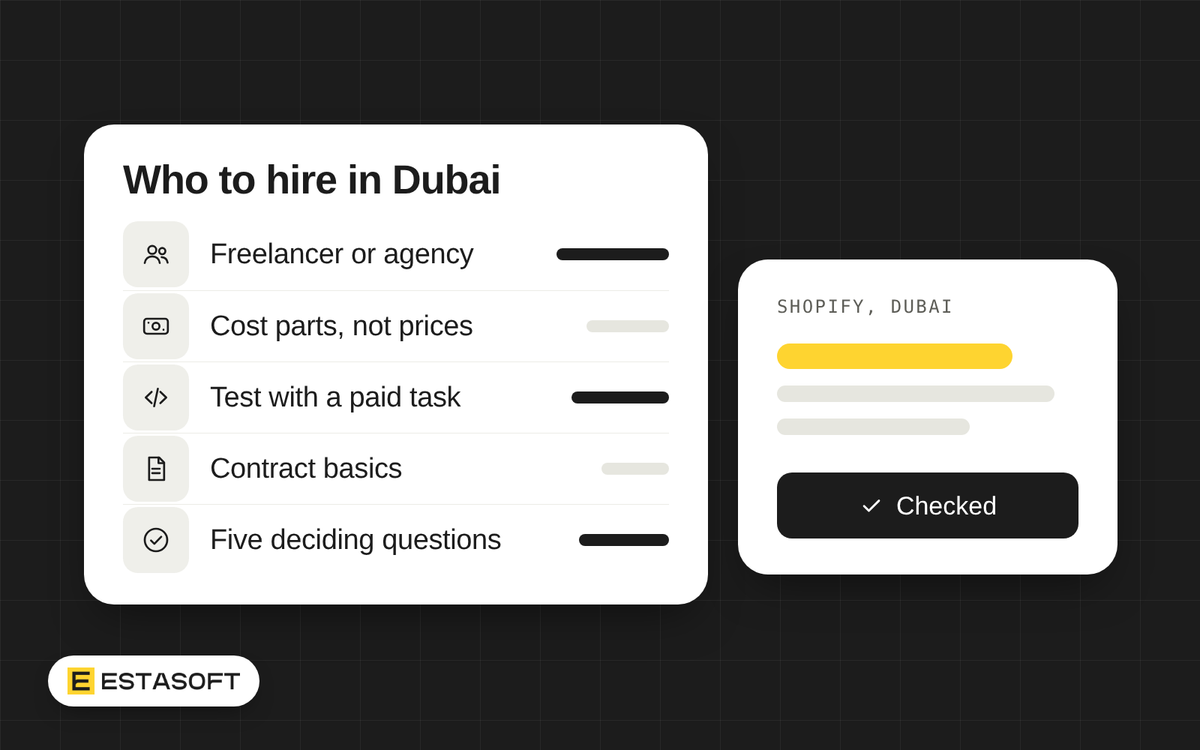
You need Shopify work done in Dubai, and you have three ways to get it: a freelancer, an agency, or someone on your payroll. Each can be the right choice. Each can also be an expensive mistake when it does not match the work you actually have.
This is a plain decision guide. It shows what each option fits, what each costs in kind, what can go wrong, how to test a developer with a small paid task and how to decide in five questions. It lists cost parts, not prices. Prices depend on the person, the scope and the month, and a number copied from a web page ages fast, so ask for written quotes and compare them line by line. ESTASOFT provides Shopify solutions and has an office in Dubai, so we are one of the options you might consider. Read this guide as if we were not. We checked the sources listed at the end on 3 November 2026.
What each option fits
- Freelancer: a one-off build, a clear list of fixes or a short project with a start and an end. You get one person and direct contact, with little overhead. It fits well when you can describe the job on one page.
- Agency: a build that needs design, development, content and testing together, a migration, or ongoing improvements where you want cover when someone is ill or away. You pay for a team and a process.
- In-house developer: a growing team with steady daily Shopify work, such as weekly campaigns, new collections, integrations and fixes. It fits when the work does not stop and the person must know your business well.
A simple test: if the work fits on a list with an end date, hire for a project. If the list never ends, think about a monthly retainer or an employee. Our guide to a one-page brief helps you write that list.
What each costs, in kind
Compare the parts of the cost, not the headline number.
- Freelancer. Their fee (ask whether it is hourly, daily or fixed), your own time to brief and review, theme and app licenses, and the cost of redoing work that fails. In the UAE, the government portal lists a freelance work permit among the work permits issued by the Ministry of Human Resources and Emiratisation. It describes the permit as for individuals who work independently, without being sponsored by an employer in the UAE and without an active employment contract. Ask a freelancer which permit or license they work under and how they will invoice you. Shopify's Help Center says partners bill you directly, outside your Shopify invoice, so agree amounts and timing first.
- Agency. A project fee or a monthly retainer that should include management, testing and cover. Ask what the fee includes: hours, named people and a support period. Our guide to fixed price or time and materials explains how each pricing model shifts risk.
- In-house developer. Salary is only one line. Official pages show the others. The employer applies for the work visa, which the UAE portal says is valid for two years and renewable, and the employer needs a work permit for the worker from the Ministry. Health insurance is mandatory in Dubai under Law No. 11 of 2013, and Dubai's government site says employers must provide it for employees, including in free zones, with cost depending on the benefits chosen. For expatriate workers, the UAE portal says end-of-service gratuity applies after at least one year of continuous service and is based on basic salary, not allowances. It also describes an optional savings scheme that employers can use instead. Add recruiting time, a laptop, software, training and management time. Ask an adviser how these rules apply to your contract.
Risks of each
- Freelancer. Single point of failure: if they are ill, busy or leave the UAE, your store waits. Handover: the knowledge sits in one head, so ask for notes and keep the code in an account you own. Capacity: one person cannot cover a launch and a campaign in the same week. Management time: you write the briefs and check the work.
- Agency. Capacity and cover are better, but check who actually does the work. The person in the sales meeting may not be the person on your store. Handover: you depend on their process, so ask for accounts in your name. Management time is lower, not zero.
- In-house developer. One hire is again one point of failure, and the handover problem returns the day they leave. Capacity is one person's hours and skills, and a developer may not also be a designer, translator or search specialist. Management time: someone must be able to review Shopify code, or you will not know whether the work is sound.
A hybrid that often works
You can mix the options. Three patterns:
- An in-house store owner on your team who knows Shopify well, not necessarily a developer, with an agency or freelancer for code.
- A freelancer for routine tasks, and an agency for a launch, an audit or a big change.
- An agency on a monthly retainer with a named developer, while your team handles products and content.
Whatever you mix, keep three things in your own hands: the store owner account, the domain and a copy of the theme code. Then you can change provider without starting again.
Test a developer with a small paid task
A portfolio shows what someone shipped. A small paid task shows how they work. Pay for it even if you do not hire the person, and agree the fee before they start. Test one or two candidates, not ten.
Pick a task from your real work, such as adding a section to a product page, fixing a mobile layout problem or building one template in Arabic and English. Write it as a mini brief with a short list of what "done" means. Then set it up safely:
- Work in a copy. Shopify's Help Center advises duplicating a theme and customizing the copy rather than the original, and says you can discard the changes if you do not like them.
- Give the least access. Shopify says you can create roles with only the permissions a collaborator needs. A collaborator who has not logged in for 90 days loses access automatically, and you can remove one from the Users area at any time. Remove access when the task ends.
When the work comes back, check five things:
- Theme code quality. Ask for the output of Theme Check, Shopify's linter for Liquid and JSON. It flags syntax errors, unused variables and snippets, deprecated tags and some performance issues, and it runs from the Shopify CLI or a VS Code extension. Then read the change. It should be small, in the right files, clearly named and explained.
- Liquid skills. Themes are built largely in Liquid code. Shopify's performance guidance names deeply nested loops as the most common cause of a slow server response, and warns against metafield access inside loops. Ask how the developer would find the slowest lines. The guidance points to the Shopify Theme Inspector.
- Speed. Compare the page before and after on a phone. The same guidance says not to lazy-load the main image at the top of the page, to set image width and height, to defer scripts that are not needed at first and to review app scripts. After the work goes live, the web performance reports in your admin rate loading, interactivity and layout stability as Good, Moderate or Poor, though the data can lag by up to 36 hours.
- Accessibility. The W3C says WCAG 2.2 is the current version of its accessibility guidelines, with three levels: A, AA and AAA. Ask which level the developer tests against. Then check by hand: reach and use the new section with the keyboard only, see where the focus goes, and look at image descriptions and text contrast.
- Who owns the work. The change should sit in your store and your theme. It should include no code copied from a source that restricts its use, no apps installed without your approval, and no access left open. Our guide on who owns the code in a software project covers licenses and handover.
Contract basics
Even for a small task, put it in writing. Cover these points:
- Scope and price: what is included, what is not, the price basis (fixed, hours or capped) and the payment dates.
- Ownership: code, design files and accounts assigned to your company, and any reusable tools of the developer licensed to you.
- Access and data: which permissions, until what date, and a duty to keep customer and order data private.
- Acceptance and fixes: the checks, a test period and a number of days of free fixes.
- Ending: a notice period, and what you receive when the work stops: files, notes and access details.
- Invoices: who issues them, in which currency, and the VAT line.
- For an employee: an employment contract, plus the permit, visa and insurance steps through the UAE authorities, all reviewed by an adviser.
Decide in five questions
- Is the work a project or a steady flow? A project points to a freelancer or an agency. A steady flow points to a retainer or a hire.
- What happens if this person is gone for two weeks? If your sales would suffer, favor an agency or a hybrid with cover.
- Which skills does the work need? One skill, such as theme edits, suits a freelancer. Design, code, translation, testing and search together point to an agency or a mix.
- Who will brief and review, and how many hours a week can they give? If nobody on your side can judge Shopify work, choose someone who explains it in plain words, and use the paid task to check.
- How easily could you change course? A contract with a freelancer or an agency can end on its notice terms. An employee brings permits, insurance and gratuity duties, so take advice first.
This is general information, not legal or tax advice. Check the current rules or ask a qualified adviser before you decide.
Need a hand?
ESTASOFT provides Shopify solutions, and you can read more on our Shopify solutions page. If you want to talk it through, send a short brief on the contact page. Before you choose, our guide to who owns the code is worth a read.
Sources
- UAE government portal: Work permits: Ministry permits, freelance work permit, employers need a work permit for a worker; page updated 19 October 2026 (checked 3 November 2026)
- UAE government portal: Work visa: employer applies, two-year validity, page updated 7 August 2026 (checked 3 November 2026)
- Dubai government: Health insurance: mandatory health insurance, employer duty, last modified 14 April 2026 (checked 3 November 2026)
- UAE government portal: End of service benefits for workers in the private sector: gratuity eligibility and basis, savings scheme, page updated 15 October 2026 (checked 3 November 2026)
- Shopify Help Center: Hiring and working with Shopify Partners: partners bill directly (checked 3 November 2026)
- Shopify Help Center: Collaborator accounts: limited roles, removal, automatic expiry (checked 3 November 2026)
- Shopify Help Center: Duplicating themes: customize a copy of the theme (checked 3 November 2026)
- Shopify.dev: Theme Check: what the linter detects and how it runs (checked 3 November 2026)
- Shopify.dev: performance guidance for Shopify themes: nested loops, metafield access in loops, images, scripts, app scripts, Theme Inspector (checked 3 November 2026)
- Shopify Help Center: Web performance reports: Core Web Vitals ratings, data delay (checked 3 November 2026)
- W3C WAI: WCAG 2 Overview: WCAG 2.2 presented as current, conformance levels, page updated 17 September 2026 (checked 3 November 2026)